


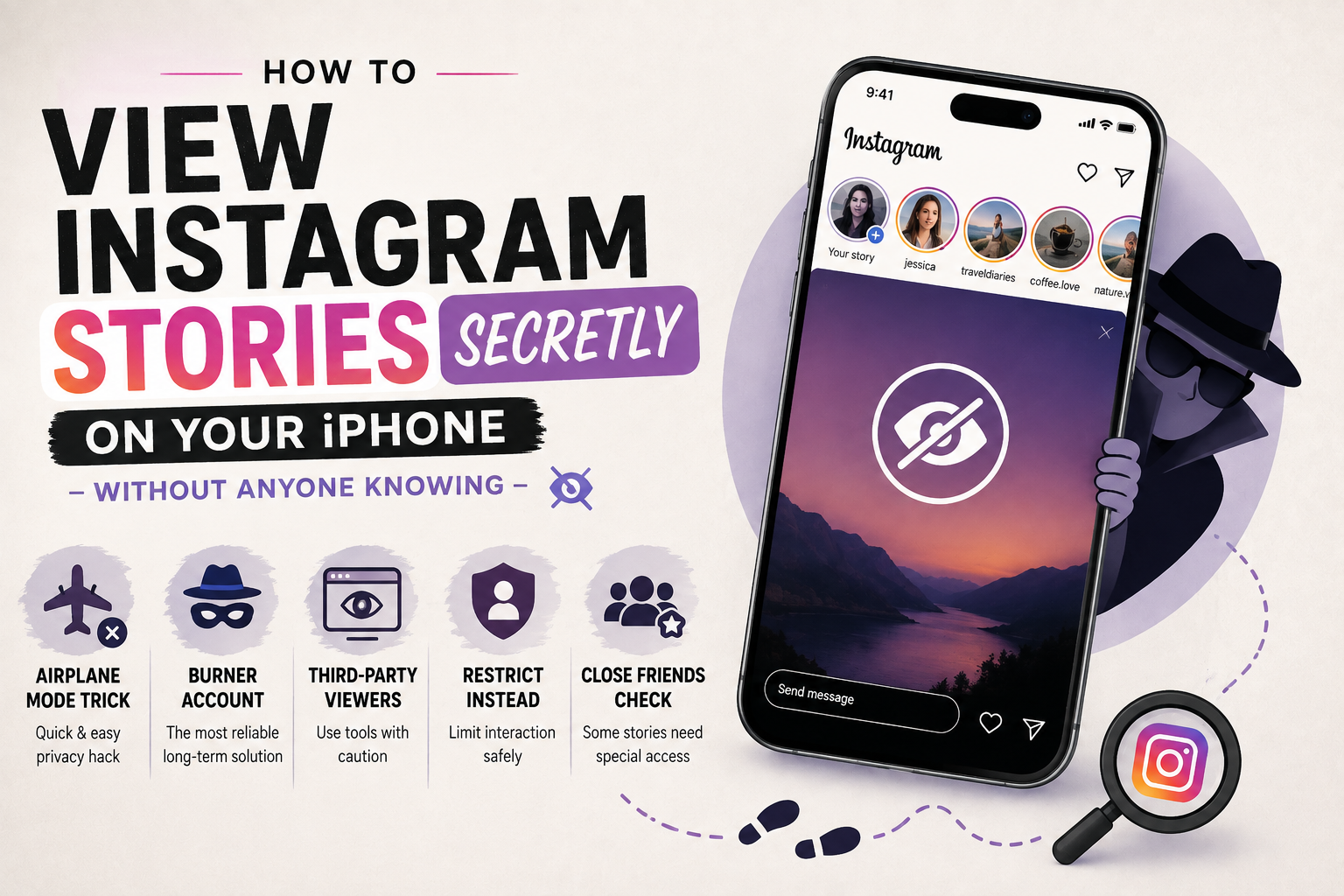
Instagram Stories have become one of the most natural ways people share their day-to-day moments, but not everyone wants to be seen watching them. Maybe you’re checking up on an ex, doing competitor research, or simply value your privacy — whatever the reason, wanting to view Instagram Stories secretly on your iPhone is a completely normal request, and there are several legitimate ways to do it without alerting the person who posted.
In this guide, we’ll walk through the most reliable methods, explain how each one actually works, and point out the risks that come with some of the shortcuts you’ll find online.
Why Would Someone Want to View Stories Without Being Seen?
Before jumping into the “how,” it helps to understand the “why,” because the right method often depends on your situation:
Privacy-conscious browsing. Some people simply don’t like the idea of their name showing up in someone else’s viewer list every time they check a Story, even if there’s nothing to hide.
Avoiding awkward social situations. Watching an old friend’s or an ex-partner’s Story can feel loaded. Nobody wants to trigger a “why are they watching my stuff again” conversation.
Research and monitoring. Marketers, journalists, and small business owners sometimes need to keep an eye on competitors or public figures without tipping them off — a habit that ties closely into how brands approach social media marketing as part of their overall budget.
Curiosity without commitment. Sometimes you just want to see what’s going on in someone’s life without starting an interaction.
Whatever your reason, it’s worth noting that Instagram’s own privacy settings mean this is a bit of a cat-and-mouse game — Instagram wants transparency, so most native methods have limits. Let’s go through what actually works.
Method 1: Turn On Airplane Mode Before Opening the Story
This is the oldest trick in the book, and it still works reasonably well on the iPhone, though it takes a bit of patience. (For the full rundown of how Airplane Mode behaves on iOS, Apple’s own support page covers exactly what does and doesn’t stay connected.)
How it works:
- Open Instagram and let the app fully load your feed and Stories bar (don’t tap on the Story yet).
- Turn on Airplane Mode from Control Center.
- Now open the Story you want to watch. Since your phone has no internet connection, Instagram can’t immediately register the view.
- Once you’re done watching, force-close the Instagram app completely (swipe it away from the app switcher) before turning Airplane Mode back off.
- Clear the app from your recent apps, then reconnect to Wi-Fi or mobile data.
The idea is that Instagram queues the “view” action locally, and if you close the app before it can sync with the server, the view sometimes never registers. It isn’t 100% guaranteed — Instagram has gotten smarter about syncing data in the background — but many users still find it works most of the time.
Method 2: Use a Secondary or “Burner” Account
This is by far the most reliable method, and the one most social media managers and privacy-focused users rely on.
Create a second Instagram account that isn’t connected to your real identity — no real name, no recognizable profile photo, and ideally no mutual followers. You can then follow (or simply view, if the account is public) the Stories you’re interested in without the primary account ever appearing in the viewer list.
Tips for setting up a burner account properly:
- Use a separate email address (a free Gmail or iCloud alias works fine).
- Avoid using a profile picture that could be reverse-image-searched back to you.
- Don’t follow mutual friends, since Instagram’s “suggested for you” algorithm can sometimes reveal patterns.
- If the account you want to watch is private, you’ll need to send a follow request from the burner account, which does carry a small risk of being noticed or declined.
This method takes a few extra minutes to set up but is the most dependable long-term solution, especially compared to third-party tools that come and go.
Method 3: Third-Party Story Viewer Websites and Apps
A quick search will show dozens of websites and apps promising to let you view Instagram Stories without logging in or being detected. Some of these tools work by pulling public Story data through Instagram’s web interface without logging you in, which technically does allow discreet viewing for public accounts only — private accounts can’t be accessed this way at all.
Before using any of these tools, keep the following in mind:
- They only work for public profiles. If an account is private, no third-party viewer can bypass that — anyone claiming otherwise is likely running a scam or phishing attempt.
- Many require your Instagram login. Never enter your real Instagram credentials into a third-party site. This is one of the most common ways accounts get compromised.
- They can disappear overnight. Instagram regularly cracks down on services that scrape its data, so today’s working tool may be broken (or gone) tomorrow.
- Ads and data collection. Free “viewer” sites often make money through aggressive ads or by collecting your browsing data, so treat them with the same caution you’d apply to any unfamiliar website.
If you do want to try this route, stick to well-known, browser-based tools that don’t ask for a password, and always view them as a temporary convenience rather than a long-term solution. This kind of caution applies well beyond Instagram — our piece on understanding online risks and responsible browsing covers the same red flags to watch for with any unfamiliar site or app.
Method 4: Restrict the Account Instead of Avoiding Them
If your real goal isn’t total secrecy but simply avoiding awkward interactions with a specific person, Instagram’s built-in Restrict feature can help. Restrict was originally rolled out as part of Instagram’s broader anti-harassment tools, and it still works the same way today: it doesn’t stop you from seeing their Stories, but it does limit what they can see about your activity, and it’s a much safer, sanctioned option than relying on third-party tools.
To restrict someone on iPhone:
- Go to their profile.
- Tap the three dots in the top-right corner.
- Select Restrict.
This won’t make your Story views invisible, but it’s a useful complementary privacy step if your concern is more about limiting interaction than pure secrecy.
Method 5: Check If a “Close Friends” List Is Involved
One thing worth remembering: if the Story you’re trying to view is shared only with someone’s Close Friends list, none of the above tricks will work — you either need to be on that list, or you won’t see the Story at all, no matter which method you try. This is one of Instagram’s stronger privacy tools, and it’s worth using yourself if you want more control over who sees your own Stories.
A Quick Note on Ethics and Privacy
It’s worth pausing here to say the obvious: just because you can view someone’s content without them knowing doesn’t always mean you should overthink or obsess over it. Instagram Stories are, by design, meant to be low-stakes and temporary. If checking someone’s Stories repeatedly is causing you stress, it might be worth asking why — and whether muting or unfollowing them might do more for your peace of mind than any secret-viewing trick ever could.
Final Thoughts
Viewing Instagram Stories secretly on your iPhone isn’t complicated once you understand which methods are actually reliable versus which ones are just clickbait. The airplane mode trick is a decent quick fix, third-party viewers work only for public accounts (and come with real privacy trade-offs), and a dedicated secondary account remains the most consistent, safest option for regular discreet browsing.
Whatever method you choose, always prioritize your own account security first — no secret-viewing trick is worth handing over your Instagram password to an untrustworthy website. If you’re generally curious about how apps track and store activity behind the scenes on your phone, our piece on tracking leftovers apps can quietly leave in your history is a good next read.
